
The Logitelnet client space is an online banking management interface offered by Société Générale. It allows users to view their accounts, make transfers, and manage their daily transactions from a browser or a mobile application. Access is based on a username/password combination, supplemented by enhanced authentication in compliance with European regulations.
Beneficiary verification before transfer: what has changed in 2025
Since October 9, 2025, banks in the eurozone must verify the consistency between the beneficiary’s name and the entered IBAN before executing a transfer. This requirement directly alters the user experience in a client space like Logitelnet.
Specifically, when a user adds a new beneficiary or initiates a transfer, the system compares the entered information with that held by the recipient’s bank. If an inconsistency is detected, an alert appears before validation.
This alert does not always indicate a serious problem. It may reveal a simple typo in the name or an incorrectly copied IBAN. However, it can also signal a fraud attempt, especially in cases where a scammer provides an IBAN that does not match the claimed identity. Therefore, the user must carefully read the displayed message and not validate mechanically.
Instant transfers now represent 17% of the number of transfers made according to the 2025 report from the Payment Methods Security Observatory. Since funds are transferred in a few seconds and the transfer is generally irreversible, any validation error becomes difficult to correct. This prior verification of the beneficiary thus serves as a safety net to be taken seriously in Logitelnet.
For those wishing to access Logitelnet on ASCI, a detailed guide outlines the connection steps and technical prerequisites.

Enhanced authentication on the Logitelnet client space
Access to the Logitelnet client space relies on two elements: a client identifier (provided when subscribing to remote banking, also visible on account statements) and a personal secret code.
European regulations require enhanced authentication at regular intervals. Every 180 days at a minimum, the user must confirm their identity through a second factor, usually via the SG mobile application. This mechanism is called SG Pass.
The role of SG Pass in the connection
SG Pass functions as a biometric or code validation on the user’s smartphone. When logging in from a browser, a notification is sent to the phone associated with the account. The user confirms their identity, and access is unlocked.
If the phone number associated with the account has changed, the update procedure must be completed before using SG Pass. This issue frequently blocks users who have changed operators or lines without notifying their bank.
Loss of the identifier or secret code
Two common situations deserve to be distinguished:
- The client identifier is forgotten: an online recovery procedure allows it to be retrieved using personal information (account number, date of birth).
- The secret code is lost or blocked after several incorrect attempts: a reallocation can be requested online, with enhanced identity verification.
- The phone number linked to the account is no longer active: in this case, visiting a branch or calling customer service is often the only solution to reassign a new number.
Manipulation fraud: the real risk in an online client space
Recent data on banking fraud show a shift in risk. The main threat no longer comes from technical hacking of the connection, but from the manipulation of the user themselves. The most common scenario involves a fake bank advisor contacting the victim by phone.
The scammer presents themselves as a bank employee, cites credible personal information (name, branch, recent transactions), and asks the victim to validate a transaction from their client space. The victim, convinced they are speaking to their bank, confirms the transfer or the addition of a fraudulent beneficiary via SG Pass.
This type of fraud is particularly effective because it exploits the strong authentication mechanism. The bank sees a transaction validated by the client using their own device, complicating any recourse.
Warning signs to spot in Logitelnet
Some reflexes can reduce the risk when using the client space:
- A bank advisor never asks to validate a transaction by phone in real-time. If such a request arises, hang up and call the official agency number.
- Any unexpected SG Pass notification (without any action from the user) should be systematically refused.
- The beneficiary/IBAN mismatch alert, introduced in 2025, should be read and not ignored, even under pressure from a phone interlocutor.
- SIM swap (phone line hijacking) can neutralize SMS authentication. A sudden loss of mobile network without a technical explanation should trigger an immediate call to the operator and then to the bank.
Common management features in Logitelnet
Beyond checking balances and transaction history, the Logitelnet client space provides access to several remote banking management services: one-time or recurring transfers, downloading statements, managing card limits, and setting up notification alerts.
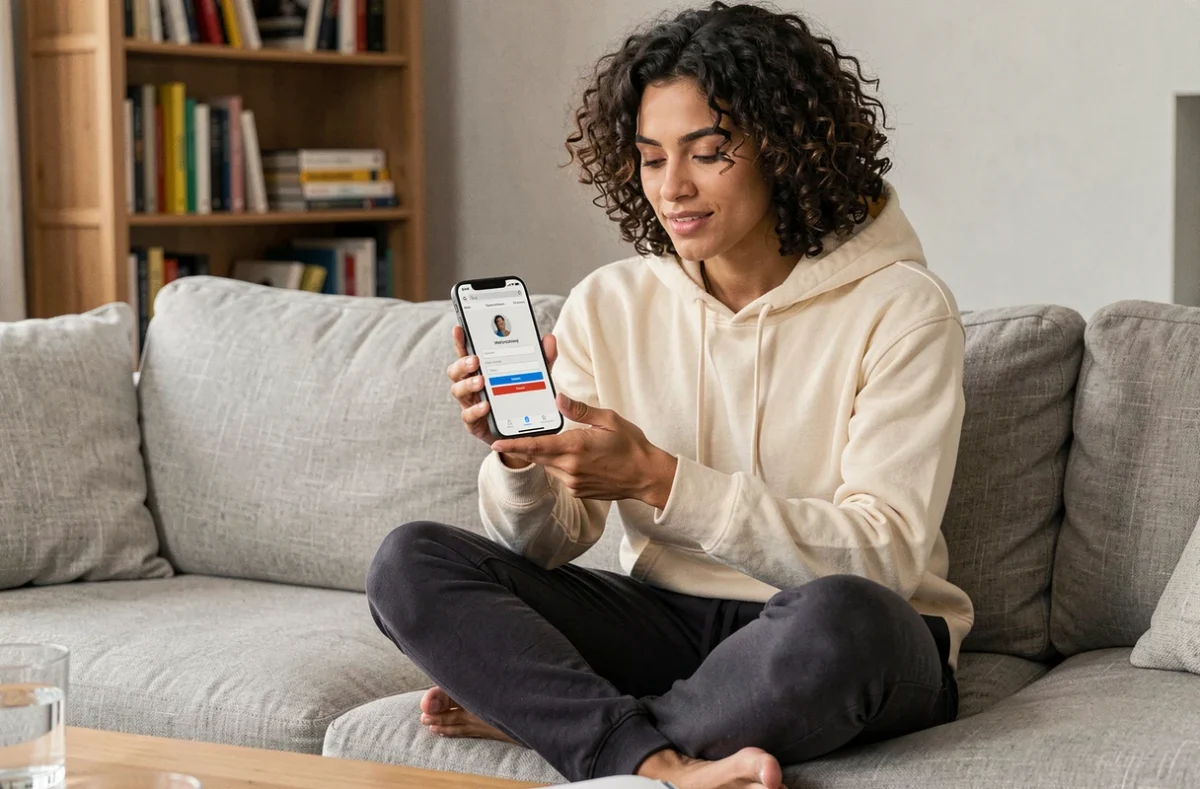
The SG mobile application includes these features with a touchscreen-friendly interface. Payments by phone via Apple Pay or Google Pay can be configured from the app, provided the card is eligible and SG Pass is active.
The free membership for remote banking means that access to Logitelnet does not incur additional fees beyond the existing bank subscription. The transactions themselves (standard SEPA transfers, inquiries) remain included in the account’s pricing conditions.
A often overlooked point: Logitelnet sessions expire after a few minutes of inactivity. This automatic disconnection protects access in case of forgetfulness on a shared computer, but it can interrupt an ongoing transaction if the user takes too long to finalize it.