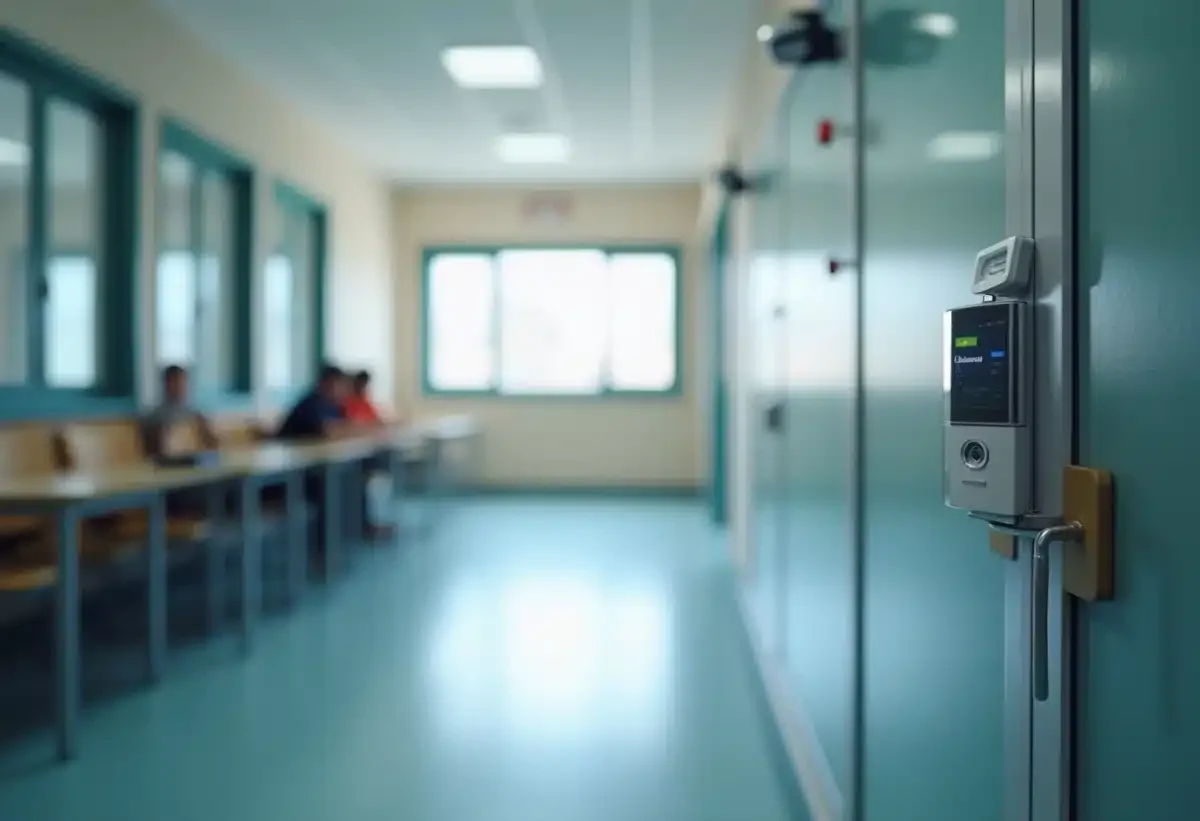
Online educational platforms have become essential tools for students and teachers. The protection of these spaces remains a top priority to ensure the confidentiality and integrity of data.
Adopting good security practices is essential. Using strong passwords, enabling two-factor authentication, and regularly updating software are simple yet effective actions. Raising user awareness of potential threats such as phishing and malware further enhances security.
Protecting access to these educational resources helps create a calm learning environment conducive to concentration and innovation.
Risks Related to the Security of Educational Spaces
The proliferation of digital platforms in schools, such as the Digital Work Space (ENT), introduces new risks for data security. Managed by the Ministry of National Education and Youth, the ENT is a platform for dematerialized services that facilitates communication and information sharing among students, teachers, and parents. This centralization of data makes it a prime target for cyberattacks.
Cyberattacks aim to compromise the computer systems of educational institutions. The consequences can be severe: theft of personal data, disruption of online classes, and endangerment of sensitive information. Computer viruses are also a constant threat, potentially disrupting the functioning of computer systems and paralyzing educational activities.
Challenges of Data Protection
Data protection in digital workspaces is a major issue. Educational institutions must comply with the General Data Protection Regulation (GDPR) to ensure the confidentiality of information. Using tools like the Digital Resource Access Manager (GAR) allows for filtering and securing access to educational resources.
Appointing a Data Protection Officer (DPO) within institutions is an essential measure to strengthen the security of information systems. This professional ensures compliance with GDPR practices and collaborates with the National Commission on Informatics and Liberty (CNIL).
- Awareness: Inform students and teachers about risks and best practices.
- Regular Updates: Install the latest security patches for the software used.
- Strong Authentication: Use strong passwords and two-factor authentication.
Digital workspaces must be protected to ensure a secure and reliable learning environment. The platform Laure Gatet Pronote, for example, offers advanced features while adhering to the strictest security standards.
Best Practices to Secure Your Educational Space
To ensure the security of digital workspaces, adopt rigorous practices tailored to current challenges. The first step is to raise awareness among all stakeholders: students, teachers, and parents must be informed about risks and behaviors to adopt. Organize training sessions to explain the dangers of cyberattacks and the preventive actions to be implemented.
Strengthen access security by using robust authentication methods. Prioritize two-factor authentication (2FA) to add an extra layer of protection. Also encourage the use of complex passwords and change them regularly. Limit access to sensitive information to authorized personnel only.
Regularly updating the software and systems used is an essential practice. Install security patches as soon as they are available to close vulnerabilities that can be exploited by cyber attackers. Use antivirus software and firewalls to protect the computer networks of educational institutions.
Security Tools and Devices
Using specialized tools like the Digital Resource Access Manager (GAR) helps secure access to educational resources. Appointing a Data Protection Officer (DPO) ensures compliance with the requirements of the General Data Protection Regulation (GDPR) and strengthens the monitoring of information systems.
- Awareness: Train students and teachers on risks and best practices.
- Strong Authentication: Implement two-factor authentication.
- Regular Updates: Install security patches without delay.
- Security Tools: Use the GAR and appoint a DPO.
By applying these best practices, educational institutions can create a safer digital environment and effectively protect the data of the educational community.